 Adventure Engine
 BassSanctum
 Cataclysm DeDust
 EpicQuest Dungeoning
 EpicQuest Hub
 EventMaker
 Leylines
 Spell Codex
 Spell Codex Ars Compat
 SpellActionbar
 Structure Encyclopedia
 TikFiniTok
 SC Final Adventure
 SC Final Adventure - Arcana
 SC Final Adventure - Machines
 SC Final Adventure - Mechanical Genesis
Getting started
Open the Codex
Press the Spell Actionbar key (default backtick `). You get the Spell Codex screen — school tabs along the top, a spell grid, ink slots under the frame, and an inspector on the left when you click a spell.
First useful session
- Discover a spell. Easiest craft path: Empty Codex Page → Scroll Forge imprint → right-click the Codex Page. Loot path: find a Codex Page in a chest, or sneak + right-click a filled spellbook. Discovery also unlocks tier I.
- Open the Codex, click the spell, place it on an actionbar slot.
- Close the menu and cast like Actionbar always worked.
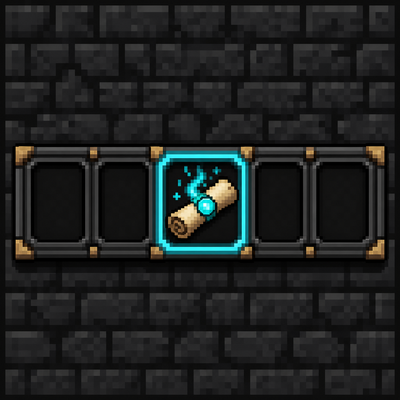
If the HUD is blank, you have nothing equipped yet. That is normal on a new world. Default visible slots without a spellbook equipped: 3 (config defaultActionbarSlots). Empty a spellbook and equip it for more slots.
Items you will hold

Paper + any Iron’s ink at an Arcane Anvil. The ink rarity is baked into the page (common through legendary). Hold it with a school focus and use a Scroll Forge to imprint.

Same Empty Codex Page item, rarity baked from the ink you used (common → legendary textures). Better blanks can imprint rarer spells — the spell’s tier-1 rarity must be ≤ the blank’s ink.

A finished page carrying one spell. Right-click to discover it (tier I unlocked). Already know it? Message says so. Recycle extras in an Alchemist Cauldron for ink. About a 12% chance to appear in dungeon-style chests.
In-game help: open the Codex and use the Codex Guide button for the seven illustrated pages (open → discover → unlock → equip → cast → spellbooks → HUD).