 Adventure Engine
 BassSanctum
 Cataclysm DeDust
 EpicQuest Dungeoning
 EpicQuest Hub
 EventMaker
 Leylines
 Spell Codex
 Spell Codex Ars Compat
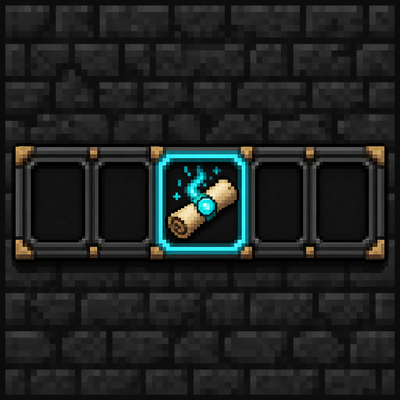 SpellActionbar
 Structure Encyclopedia
 TikFiniTok
 SC Final Adventure
 SC Final Adventure - Arcana
 SC Final Adventure - Machines
 SC Final Adventure - Mechanical Genesis
Getting started
You need NeoForge 1.21.1, Iron’s Spells ’n Spellbooks, and Iron’s Lib. Drop Spell Actionbar in mods with those two.
Open a world and press the Actionbar key. Default is the backtick, the one under Escape. That opens the equip screen. Put an Iron’s scroll in a slot, close the menu, and the bar appears above your hotbar.
Cast with Iron’s quick-cast keys, not a second set of binds. The little label on each slot is whatever Minecraft currently has bound. If a slot shows Q, that’s your Q.
Scrolls on the bar are not eaten. You can sit on Fireball all afternoon.
The bar stays hidden until you actually equip something. That’s on purpose. Empty worlds don’t get a dead HUD.
If you also install Spell Codex, stop thinking in loose scrolls. Codex decides which spells you own. You still use this same bar to cast, and Codex wants Actionbar 1.1.4 or newer.